
Choosing the right tiktok cover design templates in canva depends on balancing portrait 9:16 video dimensions with the 1:1 or 3:4 profile grid crop while keeping essential text centred. For UK content creators and social media managers looking to turn profile views into video plays, minimalist typography layouts, split-screen comparison covers, and high-contrast cutout templates perform best because they stay readable across every device.
Key takeaways
- The best-performing Canva cover templates place focal typography strictly within the central 1:1 grid safe zone.
- Clean, high-contrast layouts featuring cutouts and large sans-serif typography generate higher tap-through rates than crowded designs.
- Canva Pro unlocks 610,000+ templates, Magic Studio tools, and Brand Kit Hub to ensure your grid remains consistent across dozens of uploads.
- You can automate batch production of video covers in under 10 seconds using Canva Bulk Create paired with a spreadsheet.
Quick answer — the short version
The tiktok cover design templates in canva that work best feature a central visual focal point, strong typography placed squarely within the middle 1:1 safe zone, and minimal background clutter. Avoid templates that place titles along the top or bottom edges, where TikTok user interface overlays—such as usernames, captions, audio tags, and sidebar engagement buttons—routinely obscure key text.
High-contrast bold typography templates
These designs rely on clear, heavy sans-serif fonts set against solid, dark, or blurred image backgrounds. They deliver immediate legibility when users browse your account profile grid, ensuring the topic is understood within half a second.
Subject cutout and outline templates
Templates featuring a clear subject cutout—such as a presenter or product isolated via an AI background remover—paired with a vibrant backdrop drive strong click-through rates. The visual separation makes the subject pop, even on small mobile screens.
Split-screen comparison templates
Split layouts showcasing before-and-after results or side-by-side elements perform exceptionally well for tutorials, reviews, and educational content. They immediately establish the value proposition of the video without demanding complex graphic interpretation.
Why this matters for UK freelancers, small businesses and creators
For UK-based solopreneurs, independent coaches, online sellers, and marketing freelancers, TikTok serves as a prime storefront where your profile grid acts as your digital shop window. When a casual viewer visits your page, cohesive covers signal authority and clarify your topical expertise instantly.
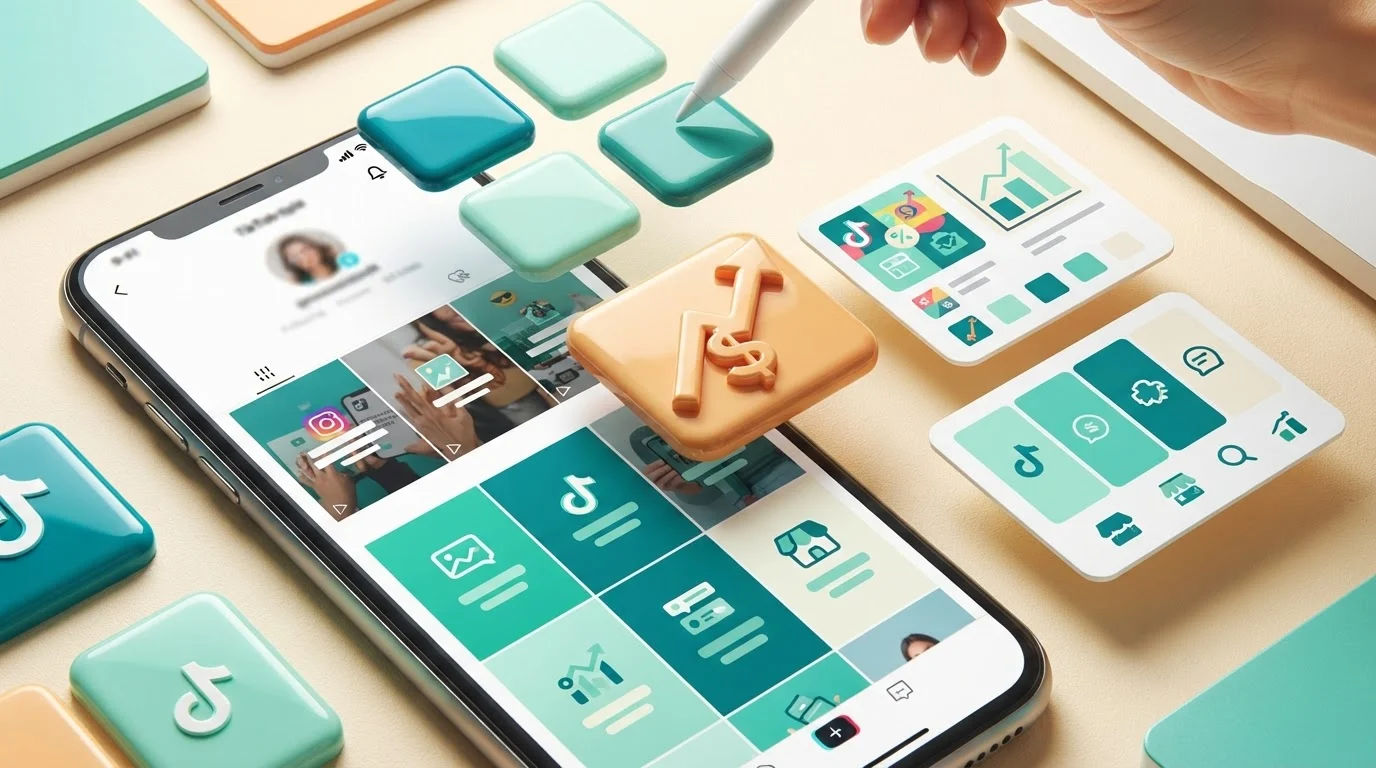
Why this matters for UK freelancers, small businesses and creators - Content Creators and Social Media
Turning profile visitors into video views
When a single video gains algorithmic traction, curious viewers check your account profile. If your thumbnails display cut-off text or inconsistent layouts, visitors bounce; clear covers guide them directly to relevant playlists, services, and product demonstrations.
Protecting production time and client delivery
Freelance social media managers handling multiple client accounts cannot spend 30 minutes crafting a single thumbnail. Using streamlined template frameworks allows creators to produce a month of branded covers in minutes, keeping output sustainable.
Overcoming common design tier limitations
Many creators waste hours building covers on free software accounts only to hit paywalls when exporting high-resolution graphics or using premium design elements. As we explore in our guide on mistakes when choosing free over Canva Pro features, hitting unexpected template watermarks stalls publishing momentum right when consistency is essential.
What Canva Pro actually gives you here (features, limits and requirements)
Canva Pro provides dedicated features designed to streamline social media workflows, though users must still follow standard platform aspect ratios to avoid cropping errors.
Library assets and template scale
Canva Pro grants direct access to 610,000+ premium templates alongside a library of 100M+ commercial-licence stock photos, vectors, audio files, and 4K video clips. This enables content creators to source unique background textures, badges, and accents without paying separate per-asset licensing fees.
Brand Kit Hub and font control
The Brand Kit Hub lets you configure up to 100 separate brand kits, each storing distinct brand guidelines, uploaded custom fonts, logos, and HEX colour palettes. This ensures that every TikTok thumbnail adheres strictly to your brand aesthetic across multiple series or client accounts.
Technical limits and asset storage
Canva accounts include 100GB of cloud storage with nested folders, allowing you to organise assets by campaign or client. While Canva provides canvas guidelines and rulers, it does not automatically enforce TikTok native platform UI overlays; creators must manually align their designs using central grids to avoid interface clipping.
| Template Style | Best Suited For | Key Differentiating Trait |
|---|---|---|
| Bold Typographic | Educational & B2B Advice | Maximum mobile readability in profile grid |
| Isolated Cutout | Personal Brands & Products | High contrast subject separation using AI |
| Split Comparison | Tutorials & Transformations | Immediate visual hook showcasing outcome |
| Minimalist Frame | E-commerce & Clean Portfolios | Clean white-space balance preventing UI clutter |
Step-by-step walkthrough
Designing a TikTok cover that maintains structural integrity across both fullscreen playback and the profile grid requires deliberate setup.
1. Canvas setup and grid ruler placement
Create a custom canvas set to standard portrait dimensions (1080 x 1920 pixels). Turn on rulers and guides, then drag horizontal markers to delineate the central square (1080 x 1080 pixels) located between 420 pixels from the top and 420 pixels from the bottom. This ensures your key text remains fully visible in the square profile view.
2. Selecting and customising the template layout
Search the template browser for portrait social covers. Strip away peripheral decorative shapes that stray into the bottom 400 pixels or rightmost 150 pixels, where TikTok places captions and engagement icons.
3. Typography and colour adjustments
Apply your custom fonts and primary HEX colours using your configured brand kit. Maintain high visual contrast between text and background—such as light text on deep backdrops—to preserve legibility across varying screen brightness levels.
4. High-resolution export
Export your finished design as a high-resolution PNG or JPG. Ensure your export settings maintain 100% clarity so the thumbnail remains sharp when scaled across mobile resolutions.
A real-world workflow example
Consider an independent UK e-commerce business owner producing short-form video tutorials demonstrating product use cases. Designing thumbnails individually for three weekly uploads can disrupt operations.
Standardising the visual container
The business owner establishes a master template containing their logo, primary brand font, and a fixed placeholder frame inside the central safe zone. This layout guarantees that whether viewed on a desktop monitor or mobile device, the product title stays unobscured.
Rapid asset integration
Using product stills captured on a mobile phone, the seller uploads photos directly to Canva, applies the integrated AI Background Remover to isolate the packaging, and drops the cutout over a branded gradient. To maintain corporate consistency across all visual collateral, setting up an official brand guide is critical; see our breakdown on how to choose a Canva brand guidelines document design for systematic layout standards.
Scheduling and deployment
Once created, the design is exported and attached directly as the preview frame within TikTok, or scheduled across channels using the native Social Media Content Planner, which supports direct publishing to platforms including TikTok, Instagram, Facebook, Pinterest, LinkedIn, and X.
AI shortcuts: Magic Studio and Claude MCP automation
Canva Pro integrates over 40 AI-powered tools within Magic Studio alongside external Model Context Protocol (MCP) connections, drastically reducing production overhead.
Magic Studio cutout and manipulation tools
The built-in AI Background Remover isolates subjects in photos and video frames with studio precision in a single tap. Additionally, tools like Magic Grab allow you to select, reposition, and edit text or subjects directly inside a flat image without rebuilding the design from scratch.
Automated batch processing with Bulk Create
Instead of updating text strings manually, Canva Bulk Create allows you to link a CSV file or spreadsheet to your cover template. By mapping data fields to your headline boxes, Bulk Create generates 100+ unique, formatted covers in under 10 seconds.
Claude Desktop and ChatGPT MCP integration
By connecting your Canva Pro account to Claude Desktop or ChatGPT via Model Context Protocol (MCP), creators can automate complex design pipelines. You can issue conversational commands to create layouts, format text elements, or trigger automated design workflows directly from your desktop assistant.
Common mistakes and how to avoid them
Small errors in thumbnail layout can render a TikTok cover unreadable once uploaded to the platform.
Ignoring the bottom-third interface trap
Placing subtitles, callouts, or critical headlines in the lower third of the canvas is the most frequent design mistake. TikTok overlays the account handle, caption text, and sound title across this section, rendering low-placed text unreadable.
Using thin, low-contrast typefaces
Delicate script fonts or light sans-serif styles without drop shadows tend to disappear against dynamic video backdrops. Choose bold, heavy font weights and pair them with outline strokes or solid background banners to secure contrast.
Forgetting the 1:1 profile grid crop
TikTok profiles display thumbnails cropped to a square or 3:4 rectangle. Designing purely for the full 9:16 vertical view often results in your text being clipped on the edges when someone views your main feed. Always keep critical text within the central 1080 x 1080 pixel area.
What this replaces: honest cost comparison
Producing high-impact social media assets typically requires subscribing to multiple fragmented software platforms. AccessPro provides Canva Pro lifetime account activation for a £5 GBP one-time payment, eliminating monthly overheads entirely.
| Software Category | Typical Monthly Cost Elsewhere | Replaced by Canva Pro Lifetime (£5) |
|---|---|---|
| Professional Design Software | £45–£70 | 610,000+ templates & full design canvas |
| Stock Photo Subscription | £25–£40 | 100M+ commercial assets, video & audio |
| AI Design Tools | £16–£32 | Magic Studio (40+ tools including Magic Grab) |
| Social Media Scheduler | £12–£40 | Content Planner (TikTok, IG, X, LinkedIn) |
| Font Licensing | £8–£16 | Licensed font collection & custom uploads |
| Background Removal Tool | £7–£12 | AI Background Remover for photo & video |
| Cloud Storage | £5–£10 | 100GB storage with nested folders |
| Total Stack Cost | £118–£220 / month | £5 one-time payment |
Practical pre-publishing checklist
- Is your primary text headline positioned entirely within the central 1080 x 1080 pixel safe area?
- Have you checked that no text enters the rightmost 150-pixel strip reserved for engagement buttons?
- Does your font weight provide clear readability against the background at arm’s length?
- Are your brand HEX colours and typography selections applied uniformly across the series?
- Have you verified that your background photography has full commercial licensing clearance?
Get Canva Pro lifetime access for £5
AccessPro provides fully activated Canva Pro lifetime access for a single £5 GBP payment, with no monthly subscription fees, renewals, or recurring costs. Delivered digitally within 3 to 15 minutes over WhatsApp, your account unlocks the complete premium tier: 100M+ stock assets, 610,000+ templates, Magic Studio AI tools, Brand Kit Hub, 100GB cloud storage, and optional Claude Desktop or ChatGPT MCP connectivity for automated workflows.
Orders are backed by our lifetime replacement guarantee—providing a replacement within 10 minutes if access is disrupted—plus a 30-day 100% money-back guarantee. Setup support runs seven days a week from 08:00 to 23:00 GMT.
Conclusion
The best TikTok cover design templates in Canva are minimalist, high-contrast layouts that strictly confine core headlines and imagery to the central 1080 x 1080 safe area. For UK content creators, social media freelancers, and online sellers needing to build a cohesive, click-worthy profile grid without ongoing software overheads, adopting standardised Canva Pro templates is the fastest, most scalable route.
To upgrade your creative toolset today, contact AccessPro at [email protected] or on WhatsApp at +44 7446 367457. Head to our site at https://tools.epsoldev.com, serving clients across the United Kingdom, England, Scotland, Wales, Northern Ireland, and worldwide through digital delivery. AccessPro provisions Canva Pro lifetime account activation for a £5 GBP one-time payment — no monthly fees, no renewals, 100M+ premium stock photos, 4K videos, audio tracks, vectors and illustrations with full commercial licences, 610,000+ premium design templates covering social, print, presentation and video formats, Magic Studio — 40+ AI tools including Magic Write, Magic Grab, Magic Expand, Magic Eraser and Magic Media, AI Background Remover for both photos and video, with studio-grade cutouts, Magic Switch and Magic Resize — reformat one design for every social and print size in a click, Brand Kit Hub — store up to 100 brand kits with logos, uploaded custom fonts and HEX colour palettes, 100GB cloud storage with unlimited nested folders and permission-based sharing, Claude Desktop and ChatGPT Model Context Protocol (MCP) connection for automated Canva design workflows, Bulk Create — generate 100+ unique designs from a CSV or spreadsheet in seconds, Social Media Content Planner with direct publishing to Instagram, Facebook, LinkedIn, Pinterest, TikTok and X, Smart Mockup Generator with 8,000+ device, apparel, packaging and billboard mockups, Canva Websites and landing pages with custom domain mapping and live analytics, Vector SVG and CMYK print-ready PDF export with bleed and crop marks, Infinite Whiteboards, interactive charts and animated infographic tools, Design version history with automated cloud backups and revision restore, Instant WhatsApp delivery and setup support on +44 7446 367457, 08:00–23:00 GMT, seven days a week, Lifetime replacement guarantee, plus a 30-day full refund if activation cannot be completed. Order directly via WhatsApp to Get Canva Pro Lifetime — £5.