For ecommerce and product sellers, strategic packaging insert and thank you card design is vital because it turns a one-off order into a loyal, repeat customer at the exact moment of unboxing. At AccessPro, we help online merchants design professional, print-ready inserts using Canva Pro lifetime access for a £5 GBP one-time payment instead of paying ongoing monthly software subscriptions.
Key Takeaways
- Packaging inserts bridge physical unboxing with digital retention through discount codes, review requests, and care instructions.
- Commercial print production requires high-resolution CMYK PDF exports with bleed and crop marks to avoid trimming errors.
- Automated bulk data merging allows sellers to generate 100+ unique coupon codes from a spreadsheet in seconds.
- AccessPro provides fully activated Canva Pro accounts for a £5 GBP one-off fee, replacing £118–£220 per month in standalone creative software subscriptions.
Quick answer — the short version
Packaging insert and thank you card design is an essential retention channel for physical product brands because it directly influences unboxing experience, review rates, and secondary purchases. A well-designed card delivers practical post-purchase support, prompts social shares, and directs buyers back to your store with targeted promotional incentives.
Instant unboxing impact
The moment a customer cuts open a parcel is the peak of their emotional engagement with your brand. Including a thoughtfully styled thank you note validates their purchase decision, establishes trust, and eliminates buyer remorse before they even inspect the product.
Measurable customer retention
Unlike email campaigns that get filtered into spam folders, an in-box packaging insert achieves a 100% open rate. Adding a direct incentive—such as a 10% reorder voucher or a QR code leading to a loyalty program—consistently drives profitable repeat orders.
Low-cost brand equity
High-end packaging builds perceived product value without requiring bespoke luxury boxes. Standard card stock paired with precise layout design, consistent brand colours, and crisp typography elevates small independent makers to the level of established retail houses.
Why this matters for UK freelancers, small businesses and creators
For UK-based independent sellers operating across platforms like Etsy, Shopify, TikTok Shop, and Amazon, customer acquisition costs continue to rise. Packaging inserts deliver an owned marketing channel inside every parcel shipped across the country, bypassing expensive pay-per-click ad networks.
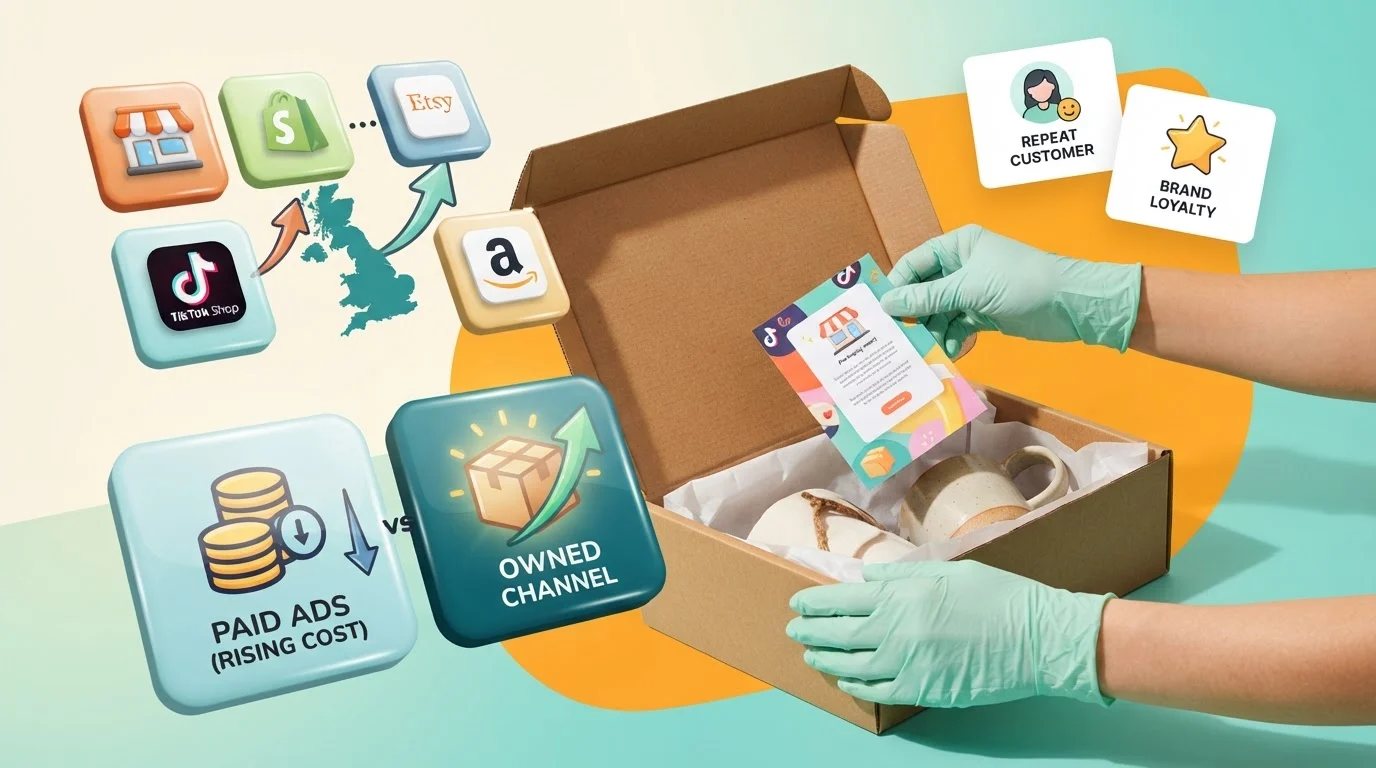
Why this matters for UK freelancers, small businesses and creators - Ecommerce and Product Sellers
Defeating rising acquisition fees
Acquiring a new customer through paid search or social ads is significantly more expensive than retaining an existing one. What this means for you is that every parcel leaving your studio must work as a secondary sales pitch, encouraging buyers to order directly from your website on their next visit.
Driving organic product reviews
Social proof dictates ranking algorithms across major online marketplaces. A dedicated card requesting honest feedback—complete with a scannable QR code linking to your review profile—simplifies the review process and systematically collects the ratings your shop requires.
Building direct customer relationships
Marketplaces often restrict how sellers interact with buyers via email. A physical package insert carrying your social handles, custom domain, and brand story enables you to build direct, community-level connections without violating marketplace communication policies.
What Canva Pro actually gives you here (features, limits and requirements)
Canva Pro provides independent sellers with commercial-grade production capabilities, removing the technical barriers historically associated with prepress printing and asset creation.
Print-ready PDF export with CMYK and bleed
Standard consumer design tools export in digital RGB colour formats, which often appear dull or shifted when printed with commercial ink. Canva Pro enables direct vector PDF exports featuring CMYK colour profiles alongside professional crop marks and bleed margins, ensuring your physical cards cut cleanly without white edges.
Brand Kit Hub and custom typography
Brand consistency requires precise asset storage. The built-in Brand Kit Hub lets you store up to 100 brand kits containing official logos, custom uploaded brand fonts, and exact HEX colour palettes. This ensures every thank you card matches your existing shipping labels and web banners.
Commercial-licence element library
Canva Pro includes unrestricted commercial licences across its catalogue of 100M+ premium stock photos, illustrations, icons, and vector graphics. Sellers can freely incorporate social media badges, decorative line art, and aesthetic patterns into their physical packaging without worrying about copyright claims.
Technical limits and operational requirements
While Canva Pro handles CMYK conversion and high-resolution layout work, it requires an active internet connection to render designs in your browser or desktop app. Furthermore, custom spot colours (such as metallic foils or specific Pantone matching) must be converted into standard CMYK separation plates prior to commercial print submission.
Packaging insert formats and design options
Selecting the right physical dimensions and layout structure ensures your card complements your packaging without overcrowding the product inside.
| Insert Format | Best Suited For | Key Operational Distinction |
|---|---|---|
| A6 Postcard (105x148mm) | Apparel & lifestyle goods | Generous room for storytelling & care guides |
| Business Card (85x55mm) | Jewellery & small crafts | Compact, cost-effective, easy to tuck inside pouches |
| Folded Mini-Booklet | Skincare & complex tools | Multi-page real estate for instructions & warnings |
| Square Card (100x100mm) | Subscription boxes & cosmetics | Contemporary layout tailored for social media tags |
Step-by-step walkthrough
Designing and exporting an unboxing insert requires a disciplined prepress process to guarantee sharp text and vibrant print reproduction.
Step 1: Set precise custom dimensions with bleed
Create a new custom design in Canva matching your physical card stock specifications (such as 105 x 148 mm for an A6 card). Immediately activate print bleed from the view settings menu, which adds a 3mm safety margin around your canvas boundaries.
Step 2: Establish layout hierarchy and copy zones
Position your primary headline (such as "Thank You For Your Order") prominently at the top third of the design. Allocate the middle section to practical value: a discount voucher, care instructions, or an exclusive digital link. Reserve the bottom footer for customer care email details and social handles.
Step 3: Embed scannable QR codes
Use Canva's integrated dynamic code generator to add high-contrast QR codes directly onto your card. Direct these codes toward a dedicated landing page, newsletter signup, or VIP customer questionnaire rather than a generic home page.
Step 4: Export using CMYK print parameters
Click Share, select Download, and choose PDF Print as the file type. Check the boxes for Crop marks and bleed, and switch the colour profile dropdown from RGB to CMYK (best for professional printing) before saving the output to your local device.
A real-world workflow example
Consider an independent UK candle studio packaging hand-poured soy candles for home delivery. Instead of shipping bare jars, the maker creates an integrated care guide and promotional thank you insert.
Layout and functional integration
The front of their double-sided A6 card displays a minimalist thank you note, customer support details, and the studio's official logo sourced from their Brand Kit Hub. The reverse side outlines safe burn instructions (trimming wicks to 5mm) to prevent product misuse and avoid customer disputes.
Reorder incentive mechanics
At the bottom of the card, the seller adds a scannable QR code linked to a secret VIP collection, offering 15% off repeat purchases made within 30 days. By incorporating how to style invoice and quote templates for UK creators, sellers can match their packaging aesthetics across both their in-box inserts and billing documentation.
Digital pre-visualisation
Before ordering 500 units from a local print shop, the creator uses Canva's Smart Mockup generator to place the design onto a photorealistic stationery scene. This confirms visual balance, margin safety, and overall legibility before spending money on physical card stock.
AI shortcuts: Magic Studio and Claude MCP automation
Canva's integrated Magic Studio tools and open developer protocols make high-volume insert production fast and manageable for lean operations.
Magic Write copy generation
Drafting varied, engaging thank you notes can quickly become repetitive. Magic Write acts as an on-demand copywriter, generating friendly unboxing text, seasonal promotional messages, and concise candle care tips directly inside your text frames.
Bulk Create spreadsheet merging
If you want to prevent voucher code sharing on public coupon sites, you can issue unique, single-use promotional codes. Canva Pro's Bulk Create feature connects a standard CSV spreadsheet to your insert layout, populating 100+ unique cards with individual coupon codes in under 10 seconds.
Claude Desktop MCP workflow connection
For advanced automated design pipelines, Canva Pro accounts can interface directly with Claude Desktop or ChatGPT via Model Context Protocol (MCP). As detailed in our guide on how to master Model Context Protocol for designers, this integration allows you to feed product data directly into automated canvas generation workflows without manual copy-pasting.
Common mistakes and how to avoid them
Small production oversights can result in unusable physical prints or wasted marketing opportunities.
Designing too close to the trim line
Amateur layouts often place critical text too near the card edge. Always design with bleed enabled and keep vital typography at least 4mm inside the trim line to prevent cutting blades from slicing off copy during high-volume print runs.
Overcrowding the visual field
Attempting to ask for an Instagram tag, an email signup, an online review, and a repeat purchase on a single tiny card overwhelms the customer. Focus each insert on one primary call to action alongside essential customer support information.
Ignoring contrast and scan testing
Placing faint QR codes over patterned or low-contrast backgrounds frequently prevents smartphone cameras from reading them. Always position QR codes against solid white or light backgrounds and test-scan them on multiple mobile screens before mass printing.
What this replaces: honest cost comparison
Running an active ecommerce store requires diverse creative utilities. Subscribing to individual platforms for graphic design, mockups, and AI utilities rapidly drains working capital.
| Tool Category | Standalone Monthly Cost | AccessPro Canva Pro Lifetime |
|---|---|---|
| Professional Design Software | £45–£70 per month | Included |
| Premium Stock Photo Library | £25–£40 per month | Included |
| Dedicated AI Generation Tools | £16–£32 per month | Included |
| Commercial Font Licensing | £8–£16 per month | Included |
| Background Removal Utilities | £7–£12 per month | Included |
| High-Volume Cloud Storage | £5–£10 per month | Included |
| Total Monthly Investment | £118–£220+ per month | £5 one-time payment |
AccessPro replaces this entire £118–£220 monthly stack—saving over £1,400 per year—with fully activated Canva Pro lifetime access for a single £5 GBP one-time payment.
Pre-Print Practical Checklist
- [ ] Canvas dimensions matched to exact millimetre sizing of your print stock.
- [ ] Print bleed margins activated and checked for margin safety.
- [ ] Important text and logos kept at least 4mm inside the cut borders.
- [ ] Dynamic QR codes physically tested with a smartphone camera.
- [ ] File exported strictly as PDF Print with CMYK colour profile checked.
- [ ] Proofed unboxing visual using Canva Smart Mockups.
Get Canva Pro lifetime access for £5
Professional packaging design should not require recurring monthly software bills that eat into your profit margins. AccessPro provides independent sellers with full, unfettered access to Canva Pro's elite design environment for a single £5 GBP investment.
Instant digital provisioning over WhatsApp
We deliver credentials directly to your WhatsApp number within 3 to 15 minutes of payment confirmation, with most activations taking under 5 minutes. Support is available directly in the chat 7 days a week, from 08:00 to 23:00 GMT.
Guaranteed reliability and zero recurring fees
Our service includes a lifetime replacement guarantee, ensuring a free replacement account within 10 minutes if service disruption occurs, alongside a 30-day 100% refund policy if activation cannot be completed.
Conclusion
Packaging insert and thank you card design is an indispensable, high-return marketing investment for any product seller aiming to boost customer retention and unboxing quality. By adopting Canva Pro's CMYK PDF print exports, Brand Kit Hub, and Bulk Create tools, online merchants can produce agency-standard print collateral without paying ongoing monthly software retainers.
AccessPro provides Canva Pro lifetime account activation for a £5 GBP one-time payment — no monthly fees, no renewals, 100M+ premium stock photos, 4K videos, audio tracks, vectors and illustrations with full commercial licences, 610,000+ premium design templates covering social, print, presentation and video formats, Magic Studio — 40+ AI tools including Magic Write, Magic Grab, Magic Expand, Magic Eraser and Magic Media, AI Background Remover for both photos and video, with studio-grade cutouts, Magic Switch and Magic Resize — reformat one design for every social and print size in a click, Brand Kit Hub — store up to 100 brand kits with logos, uploaded custom fonts and HEX colour palettes, 100GB cloud storage with unlimited nested folders and permission-based sharing, Claude Desktop and ChatGPT Model Context Protocol (MCP) connection for automated Canva design workflows, Bulk Create — generate 100+ unique designs from a CSV or spreadsheet in seconds, Social Media Content Planner with direct publishing to Instagram, Facebook, LinkedIn, Pinterest, TikTok and X, Smart Mockup Generator with 8,000+ device, apparel, packaging and billboard mockups, Canva Websites and landing pages with custom domain mapping and live analytics, Vector SVG and CMYK print-ready PDF export with bleed and crop marks, Infinite Whiteboards, interactive charts and animated infographic tools, Design version history with automated cloud backups and revision restore, Instant WhatsApp delivery and setup support on +44 7446 367457, 08:00–23:00 GMT, seven days a week, Lifetime replacement guarantee, plus a 30-day full refund if activation cannot be completed. We serve the United Kingdom, England, Scotland, Wales, Northern Ireland, and worldwide customers via digital WhatsApp delivery from our UK base. Connect with our team directly by phone at +44 7446 367457, email [email protected], or visit https://tools.epsoldev.com to Get Canva Pro Lifetime — £5.