Quick answer — the short version
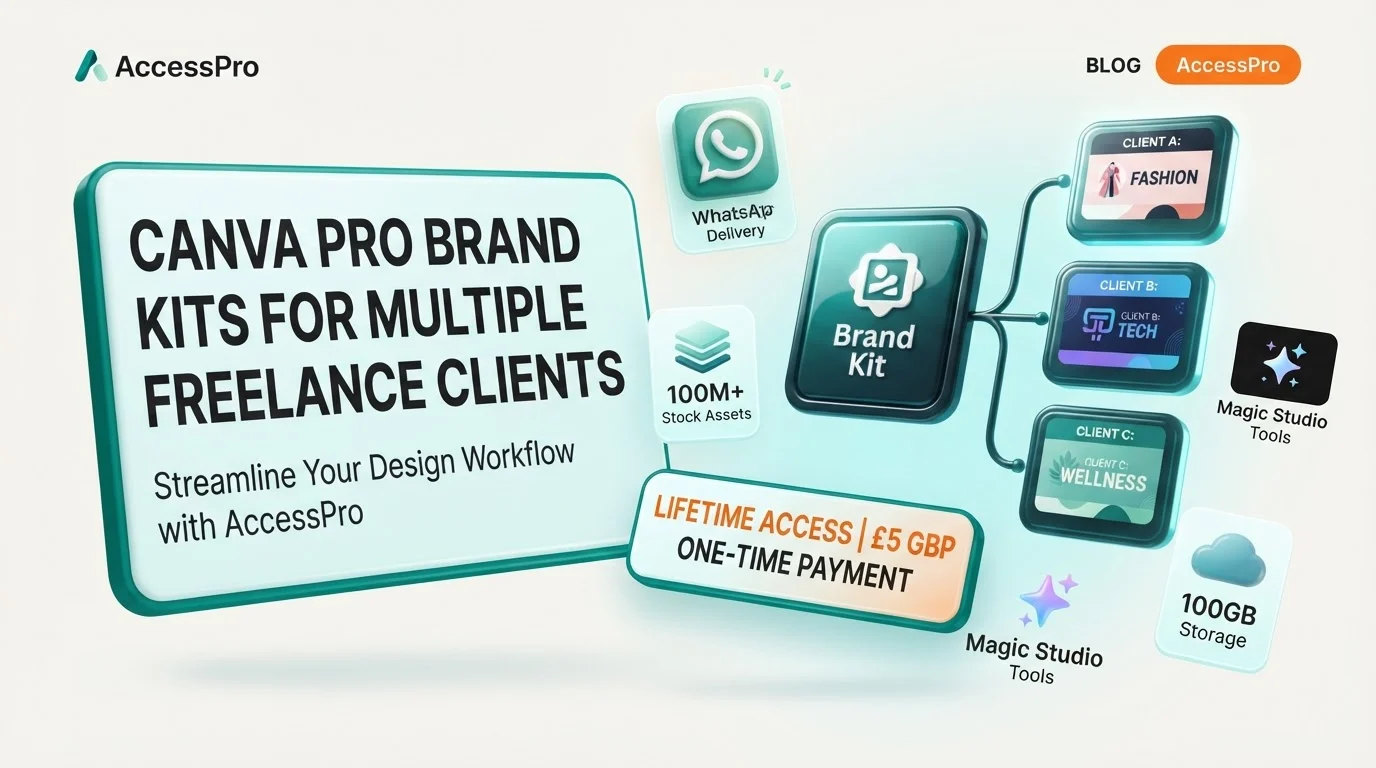
Yes, you can absolutely run canva pro brand kits for multiple freelance clients using a single Canva Pro account. The Brand Kit Hub inside Canva Pro allows you to build, store, and switch between up to 100 distinct brand kits, making it an ideal setup for Freelancers and Solo Creatives who manage diverse client portfolios.
Each of these 100 brand kits acts as an isolated visual profile. Within each kit, you can save specific client logos, custom uploaded fonts, and precise HEX colour palettes. When you open a design, you simply select the relevant client's brand kit from a drop-down menu to instantly apply their exact visual identity.
Key takeaways
- Massive Capacity: Store up to 100 individual brand kits on a single Canva Pro account.
- Complete Organisation: Keep logos, custom fonts, and HEX palettes separated by client.
- Instant Switching: Change active brand assets inside any design with a single click.
- No Monthly Fees: Access this professional agency-grade setup via AccessPro for a £5 GBP one-time payment.
Why this matters for UK freelancers, small businesses and creators
Eliminating visual mistakes across client accounts
For UK-based freelancers, solopreneurs, and content creators, mixing up client assets is a major professional risk. Sending a social graphic to a client with the wrong font or a competitor's colour palette looks amateurish and damages trust. Having dedicated brand kits ensures you never accidentally use a pastel pink from Client A on a corporate financial post for Client B.
Saving hours on repetitive setup tasks
Instead of copy-pasting HEX codes from a messy notepad or re-uploading PNG logos for every single graphic, you have everything pre-loaded. What this means for you is that you can open a blank template, click your client's brand folder, and watch the correct fonts and colours populate instantly.
Scaling your client intake without software stress
As a solo marketer or designer, you need to remain agile. When you secure a new contract, you do not want to worry about upgrading to an expensive agency software tier. Canva Pro allows you to scale up to 100 active clients smoothly, keeping your operational costs flat while your revenue grows.
What Canva Pro actually gives you here (features, limits and requirements)
Strict asset limits and capabilities
Canva Pro provides a highly generous structural limit for managing multiple brands. You can store up to 100 distinct brand kits, which is more than enough for most busy freelancers. Each individual brand kit can hold multiple logo variations (such as primary, secondary, and sub-marks), custom uploaded fonts, and multiple colour palettes.
Complete commercial licensing rights
When designing for clients, licensing is critical. Canva Pro includes full commercial licences for its library of 100M+ stock assets, 4K videos, audio tracks, and templates. This means any design you produce and deliver to your client is fully cleared for commercial use, client marketing, merchandise, or paid advertising.
Storage and sharing boundaries
With 100GB of cloud storage, you can organise your client files using unlimited nested folders. You can set permissions on these folders to share specific draft templates with clients for feedback, without giving them access to your main brand kit settings or other clients' private folders.
Step-by-step walkthrough
Step 1: Create your client's brand kit
Navigate to the Brand tab from the Canva homepage side menu. Click Add New and select Brand Kit. Name the kit clearly after your client (e.g., "Client Name - Brand Kit") so it is easy to find in your list.
Step 2: Upload logos and set colour palettes
Drag and drop your client’s official logos in PNG, SVG, or JPG format. Next, click the plus icon under Brand Colours to create a palette. Input the precise HEX codes for your client's primary, secondary, and accent colours.
Step 3: Configure brand fonts
Under the Brand Fonts heading, assign specific fonts for headings, subheadings, and body text. If your client uses a unique font that is not in Canva's library, you can upload licensed OTF or TTF files directly into their specific brand kit.
Step 4: Apply the kit inside a design
Open your design project. Click on the Brand tab in the left-hand editor panel. Use the drop-down menu at the top of the panel to select your client's name. The editor will instantly display only that client’s logos, colours, and typography.
A real-world workflow example
Setting up a multi-client social media campaign
Imagine you are running a weekly social media schedule for three distinct clients: a local coffee shop, a boutique fitness studio, and an independent accountant. Each has a completely different aesthetic. You start by setting up three separate brand kits in your Brand Hub.
Executing the designs rapidly
You can select a base layout from the 610,000+ premium design templates. To see how to manage these layouts effectively, you can read our guide on How to Use Canva Brand Templates vs Public Templates. Once the template is open, you apply the coffee shop's brand kit to turn the template warm brown and cream. Next, you duplicate the design, switch to the fitness studio's brand kit, and click to apply their neon green and bold black styling instantly.
Exporting and publishing
Once the designs are ready, you can export them as transparent files if needed (learn more about this process in our article Can You Export Transparent PNGs via Canva Pro Features). Finally, you use the built-in Social Media Content Planner to schedule the posts directly to Instagram, Facebook, and LinkedIn, keeping your client work fully automated and on time.
AI shortcuts: Magic Studio and Claude MCP automation
Magic Switch and Magic Resize
When working with multiple clients, you often need to deliver the same graphic in five different sizes for various social platforms. Magic Switch allows you to reformat a design for Instagram, X, TikTok, and print sizes in a single click. The AI automatically repositions text and image elements to fit the new dimensions perfectly.
Bulk Create with CSV files
If you need to generate high volumes of content, such as 100 quotes for a client's feed or 100 personalized business cards, you can use Bulk Create. Upload a simple CSV spreadsheet containing the text, and Canva Pro will generate 100+ unique, brand-aligned graphics in under 10 seconds.
Claude Desktop and ChatGPT MCP connection
For advanced freelancers, our Canva Pro account can connect directly to Claude Desktop or ChatGPT via Model Context Protocol (MCP). This allows you to write AI prompts that automatically trigger design workflows, pull in your saved client brand assets, and generate layout drafts without manual clicking.
Common mistakes and how to avoid them
Mixing up assets in the upload phase
When working quickly, it is easy to upload a logo to the wrong client kit. Always name your assets clearly before uploading (e.g., clientname-logo-white.png). Make it a habit to audit your Brand Hub once a month to delete old drafts or misplaced files.
Forgetting to set default font styles
If you do not define the specific heading, subheading, and body font styles in the brand kit, Canva will default to standard system fonts when you add text boxes. Taking two minutes to set these defaults saves you from manually changing the font on every single text layer later.
Overcomplicating folder structures
Keep your design folders matching your brand kits. Create one master folder per client, and store all their templates, final exports, and raw assets inside it. This prevents your main dashboard from becoming a cluttered mess of mixed-client projects.
What this replaces: honest cost comparison
Running a freelance design or marketing business usually requires a stack of expensive monthly subscriptions. When you use Canva Pro, you can replace several standalone tools with one integrated workflow.
Here is how the costs compare when buying these tools individually versus using our lifetime access:
| Tool Category | Standalone Monthly Cost | Included Canva Pro Equivalent Feature |
|---|---|---|
| Professional Design Software | £45–£70 | Full Canva Pro Editor & Brand Hub |
| Premium Stock Subscription | £25–£40 | 100M+ Licensed Assets (Photos, Video, Audio) |
| AI Design Tools | £16–£32 | Magic Studio (40+ Built-in AI Tools) |
| Social Media Scheduler | £12–£40 | Built-in Content Planner & Direct Publishing |
| Font Licensing | £8–£16 | Licensed Font Library & Custom Font Uploads |
| Background Removal Tool | £7–£12 | One-Click AI Background Remover (Photo & Video) |
| Cloud Storage | £5–£10 | 100GB Cloud Storage with Shared Folders |
The real financial difference
Choosing individual subscriptions means paying between £118 and £220 every single month. Over a year, that adds up to more than £1,400 in software overheads.
With AccessPro, you pay a one-time fee of £5 GBP for fully activated, lifetime Canva Pro access. There are no monthly bills, no annual renewals, and no hidden fees.
| Provider | Upfront Cost | Recurring Monthly Fee | Hidden Renewals |
|---|---|---|---|
| Standard Subscriptions | £0 | £118–£220 | Yes (Every Month) |
| AccessPro Lifetime | £5 GBP | £0 (Free Forever) | No |
Practical checklist before you set up your kits
- [ ] Gather your client's exact HEX colour codes for their primary and secondary brand colours.
- [ ] Export your client's logos in high-resolution SVG or transparent PNG formats.
- [ ] Check if your client uses a custom font, and secure the OTF/TTF file for upload.
- [ ] Set up a dedicated folder structure inside Canva for each client to keep projects separate.
- [ ] Connect your social media channels to the Canva Content Planner for automated publishing.
Get Canva Pro lifetime access for £5
Why pay £45 to £70 per month for design software when you can get complete, unrestricted Canva Pro lifetime access for a single, one-time payment of £5 GBP? Through AccessPro, you get a fully activated account featuring the Brand Kit Hub (up to 100 kits), 100M+ premium stock assets, Magic Studio AI tools, 100GB cloud storage, and optional Claude/ChatGPT MCP integration. Your order is delivered digitally over WhatsApp within 3 to 15 minutes (usually under 5 minutes), backed by our lifetime replacement guarantee and a 30-day refund policy if activation cannot be completed.
Conclusion
You can easily run Canva Pro brand kits for multiple clients on a single account, as the platform officially supports up to 100 individual brand profiles. This setup is highly suited for UK-based freelancers and solo creators who need to maintain strict brand consistency across multiple client accounts without paying massive monthly software fees. For a one-time payment of £5 GBP, AccessPro provides permanent access to these premium agency tools, allowing you to streamline your client workflows and scale your business affordably.
Business name: AccessPro
Phone: +44 7446 367457
Email: [email protected]
Website: https://tools.epsoldev.com
Address: United Kingdom
Locations served: United Kingdom, England, Scotland, Wales, Northern Ireland, Worldwide (digital WhatsApp delivery)
Services: Canva Pro lifetime account activation for a £5 GBP one-time payment — no monthly fees, no renewals, 100M+ premium stock photos, 4K videos, audio tracks, vectors and illustrations with full commercial licences, 610,000+ premium design templates covering social, print, presentation and video formats, Magic Studio — 40+ AI tools including Magic Write, Magic Grab, Magic Expand, Magic Eraser and Magic Media, AI Background Remover for both photos and video, with studio-grade cutouts, Magic Switch and Magic Resize — reformat one design for every social and print size in a click, Brand Kit Hub — store up to 100 brand kits with logos, uploaded custom fonts and HEX colour palettes, 100GB cloud storage with unlimited nested folders and permission-based sharing, Claude Desktop and ChatGPT Model Context Protocol (MCP) connection for automated Canva design workflows, Bulk Create — generate 100+ unique designs from a CSV or spreadsheet in seconds, Social Media Content Planner with direct publishing to Instagram, Facebook, LinkedIn, Pinterest, TikTok and X, Smart Mockup Generator with 8,000+ device, apparel, packaging and billboard mockups, Canva Websites and landing pages with custom domain mapping and live analytics, Vector SVG and CMYK print-ready PDF export with bleed and crop marks, Infinite Whiteboards, interactive charts and animated infographic tools, Design version history with automated cloud backups and revision restore, Instant WhatsApp delivery and setup support on +44 7446 367457, 08:00–23:00 GMT, seven days a week, Lifetime replacement guarantee, plus a 30-day full refund if activation cannot be completed